
⏱
Time back for the event
The hours spent retyping names go back to running the tournament, or to going home on time.

SwissMax · eCert Studio
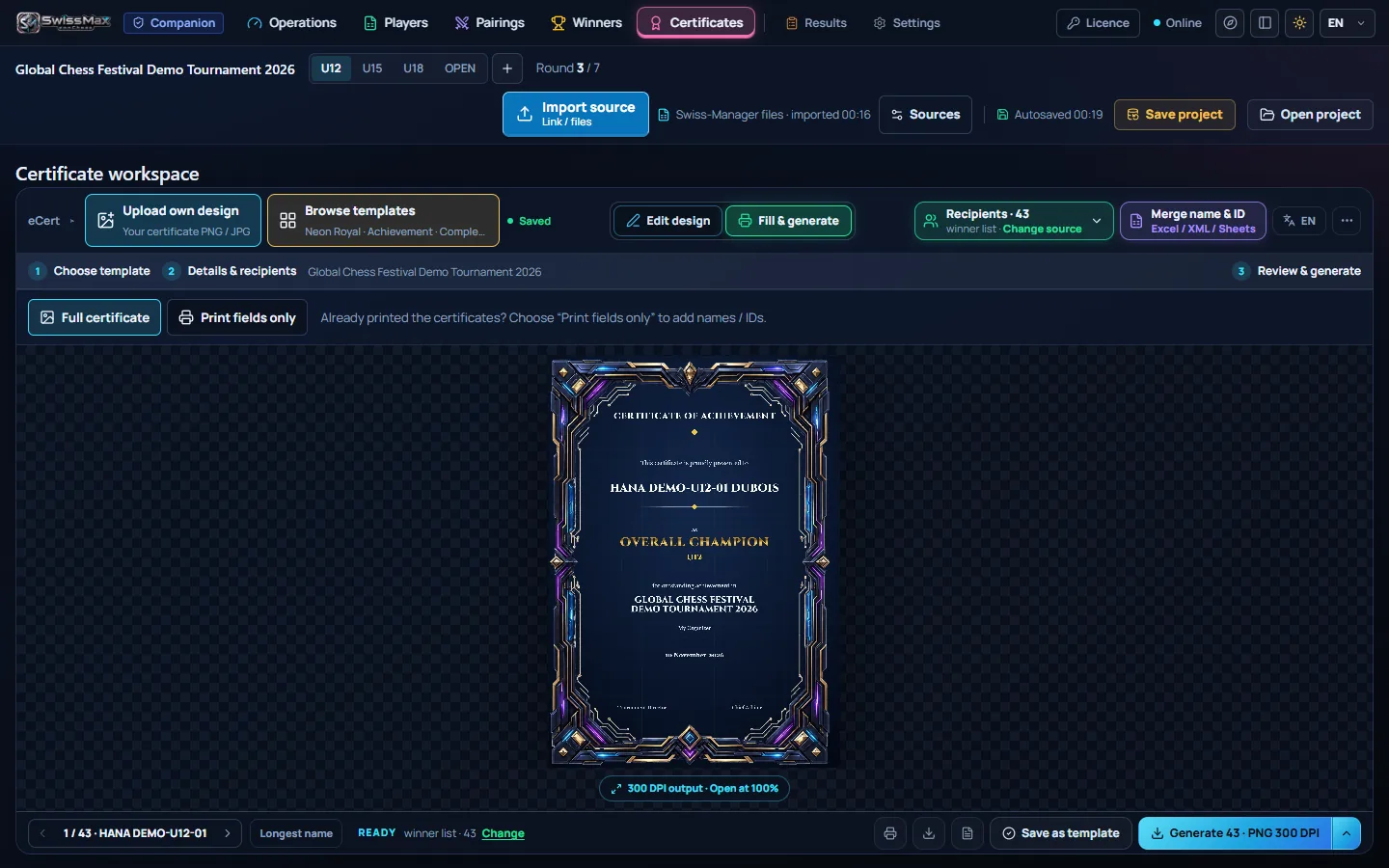
The feature organizers ask about firstTyping names onto certificates one by one takes hours, and one typo means doing that page again. eCert Studio fills in every name from your ranking or your list, adds a real signature photographed with your phone, and saves the whole batch at once.
Updated
Why it matters
Long after the last round, a certificate with the right name on it is what goes on the wall and into the parents' group. It should not be the job that keeps the organizer up after prize-giving.
The hours spent retyping names go back to running the tournament, or to going home on time.
One list feeds every certificate, so a name is typed once, checked once and spelled the same everywhere.
U12, U15 and Open keep their own recipients and certificates, so nobody gets the wrong category.
Choose where the names come from. SwissMax already has the players and the winners of each section, so participation and prize certificates need no extra typing. For anything else, merge your own list and match its columns to the fields on the design.
A signature drawn with a mouse looks wrong, and a scanned one needs its background erased by hand. eCert Studio takes a photo of the real signature instead and does the cleaning for you.
The phone opens a page in its own browser, so there is nothing to install. The photo goes over your Wi-Fi straight to the organizer PC; it is not uploaded to the internet.
Trim to the ink, erase a stray mark or restore a stroke, and undo any step. The original photo is kept.
Add a signature for each signatory, such as the tournament director and the chief arbiter, then move and resize each one like any other layer.
If you switch to another template, the phone session closes, so a signature never lands on the wrong certificate.
Already have a signature as a transparent PNG? Upload it directly instead.
03 · Designs & scripts
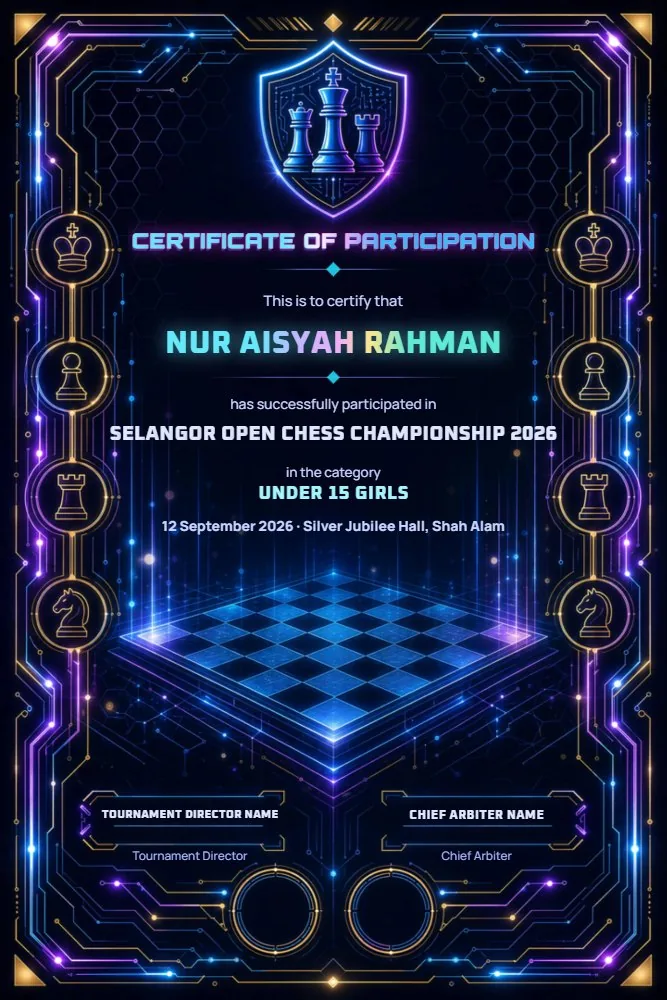
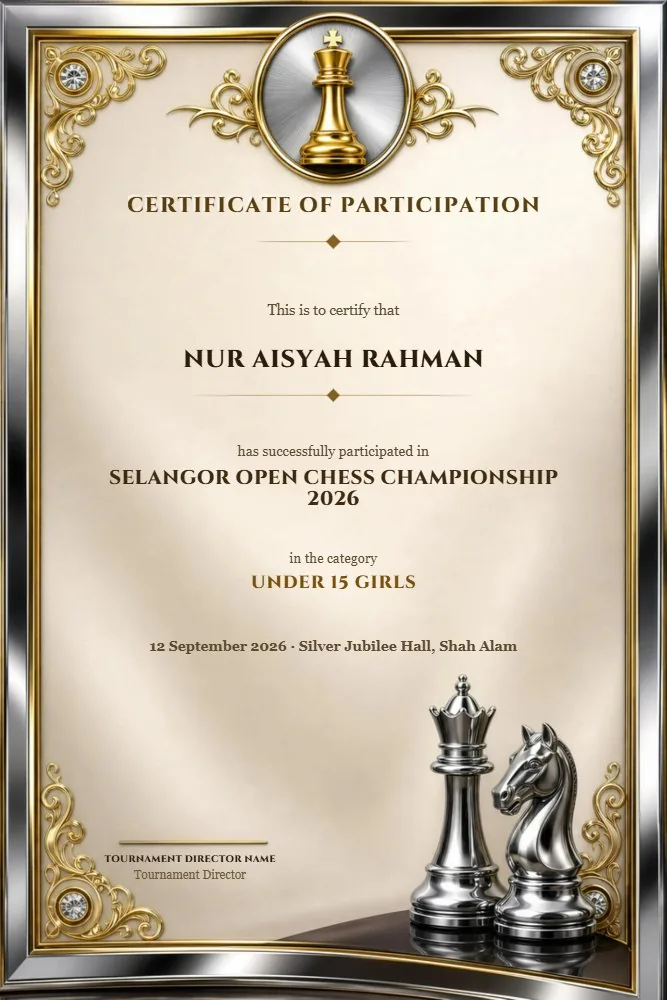
Start from one of 29 built-in templates on 24 portrait and landscape backgrounds, or upload the certificate your club already uses. Click any line to move, resize or edit it in place.

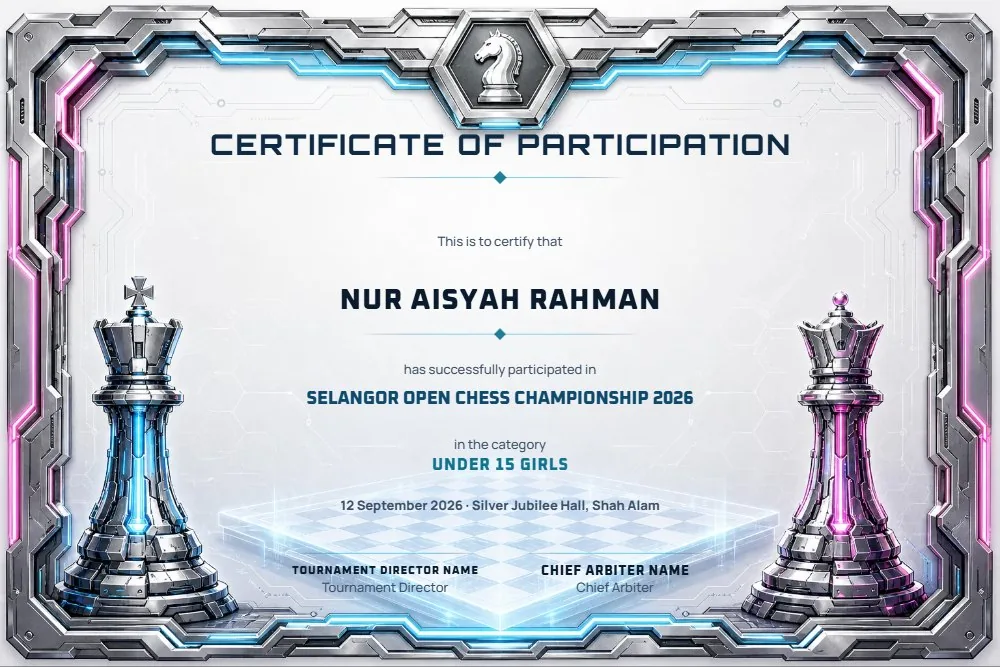
Open the full 29-template gallery →
Background, text, data fields, logos and signatures are separate layers, each positioned, sized, rotated and aligned on its own.
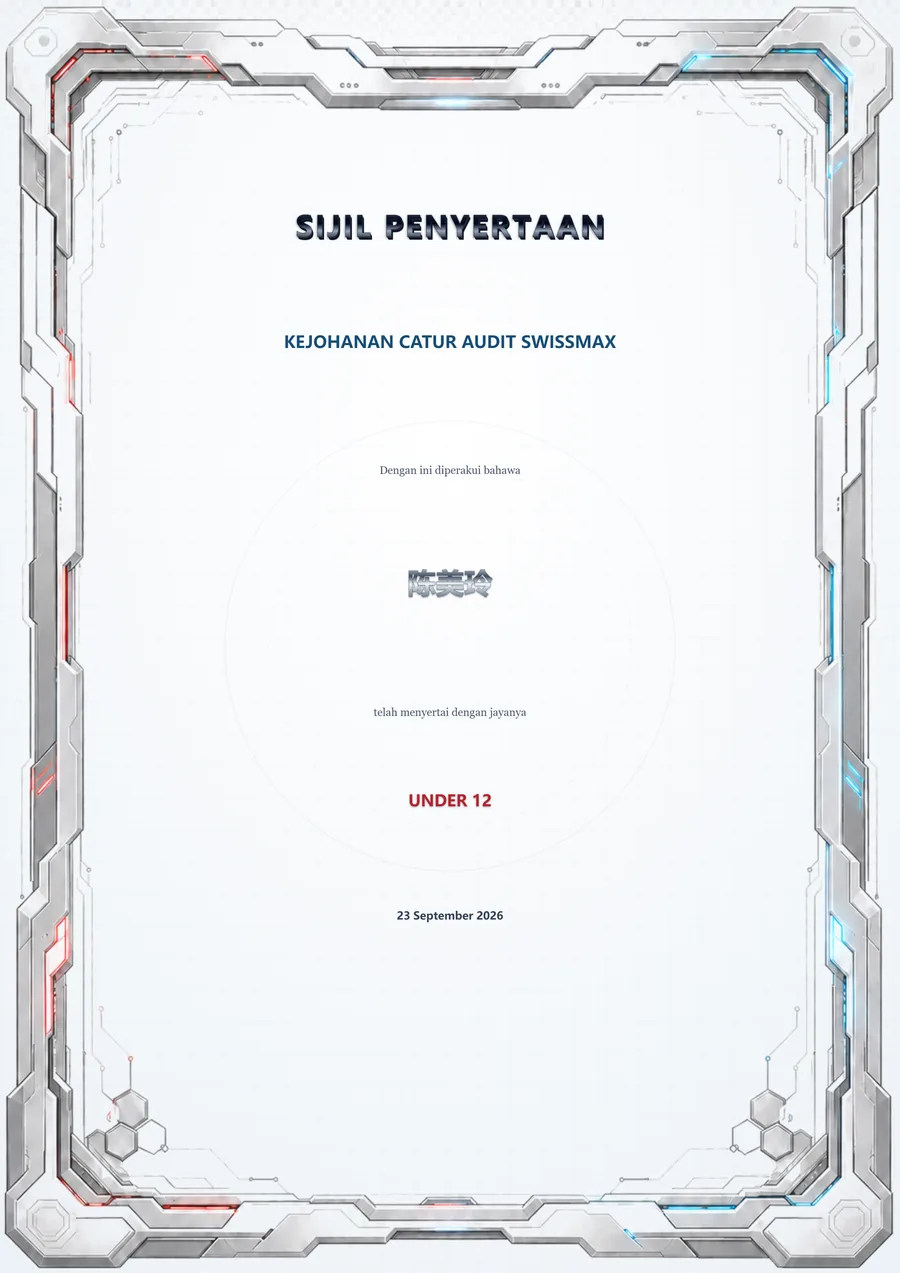
Arabic names print right to left; Tamil, Devanagari and Chinese names stay whole, using Windows' own fonts.
Certificate wording in English, Bahasa Melayu or 中文, whichever your event uses.
04 · Output
One sharp image per recipient, right for WhatsApp and social posts.
Every certificate in a single file, ready for the print shop.
A PDF for each participant, easy to send as individual copies.
Certificates already printed? Print just the names and IDs onto them, lined up on the background.
Frequently asked
Yes. eCert Studio takes the names from the final ranking and the winners, or from a list you merge (Excel, CSV, ODS, XML, text PDF or a paste from Google Sheets). Use one of 29 templates or your own design, then save a 300-DPI PNG per player, one combined PDF or a ZIP of named PDFs, or print just the names onto certificates you already printed.
Scan the QR code in eCert Studio with a phone on the same Wi-Fi as the PC, then photograph the signature on plain paper or choose a photo already on the phone. SwissMax removes the paper background automatically and places the signature on the design, where you can move and resize it.
No. The phone sends the photo over your local Wi-Fi to the organizer PC, and nothing is installed on the phone. If the phone and the PC are not on the same Wi-Fi, upload a transparent PNG of the signature instead.
Yes. Upload your own design as a PNG or JPG background, then place the name, the category and any other field on it. Already printed the certificates? Use Print fields only to print just the names onto them.
Yes. Arabic names print right to left, and Tamil, Devanagari and Chinese names stay whole, using the fonts that come with Windows.
Yes. eCert Studio is part of SwissMax Companion, which is RM160 or USD39.99 for one PC, paid once, with perpetual use of eligible versions and two years of free updates and support. Waitlist members get 50% off, and the 14-day trial includes it.
More in SwissMax
A named certificate for every player, with real signatures captured by phone.
You are hereA4 pairing and results pages that look like a broadcast graphic, from one Chess-Results link.
Read more →Prize schemes from the official ranking, winner posters and a reveal video.
Read more →Messy registration forms in, a clean Swiss-Manager file out.
Read more →Helper phones send each board's result to the organizer PC.
Read more →Each player's likely FIDE and MCF change, before results go official.
Read more →RM160 / USD39.99 · 50% off for the waitlist
Try it free for 14 days, with no key or payment details. Join the waitlist for 50% off the Companion licence when sales open, and launch news before anyone else.
